
This document is the quick installation guide for the SPA2102 phone adapter.
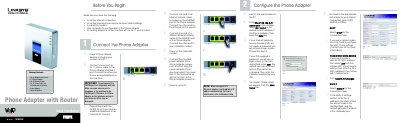
This guide walks you through connecting the SPA2102 phone adapter to your network and telephone devices, powering it on, and accessing the web‑based configuration utility at the default address 192.168.0.1. It also explains how to select your Internet connection type (DHCP, Static IP, or PPPoE) and configure optional settings such as MAC cloning and DNS servers.
The document includes instructions for using the Interactive Voice Response (IVR) menu to view and change network settings, perform factory resets, and switch between router/NAT and bridge modes, all via the telephone keypad.
| Default IP address | 192.168.0.1 |
|---|---|
| Default user name | user |
| Power adapter voltage | 5 V |
| Ethernet ports | 1 Ethernet (LAN) port, 1 Internet port |
Open a web browser on a PC and go to http://192.168.0.1/ to reach the phone adapter’s configuration interface.
In the web interface, go to the WAN Setup tab and select DHCP as the Connection Type, then submit the changes.