
This document is the quick installation guide for ROUTER RT31P2. It includes information on package contents, connection method, and configuration method.
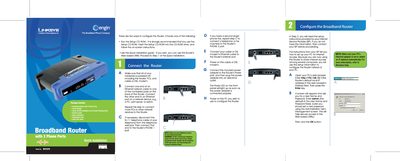
This guide walks you through connecting the Linksys RT31P2 router to power, Ethernet, telephone lines and your cable/DSL modem. After hardware setup, you power on the devices and prepare a PC for configuration.\n\nUsing a web browser, access the router’s configuration page at http://192.168.15.1, log in with the default admin credentials, and select the appropriate Internet connection type (DHCP, Static IP, PPPoE, etc.). Follow the on‑screen prompts to save settings, then restart your modem and PCs to apply the new configuration.
| Default IP address | 192.168.15.1 |
|---|---|
| Default login username | admin |
| Power LED indicator | Lights up when power adapter is connected |
Open a web browser on a connected PC and go to http://192.168.15.1, then log in with the default username admin.
Select Static IP as the connection type, then enter the IP address, subnet mask, gateway, and DNS servers provided by your ISP.