
This is a quick installation guide that describes how to connect and configure the Cisco BEFW11S4 Wireless Broadband Router.
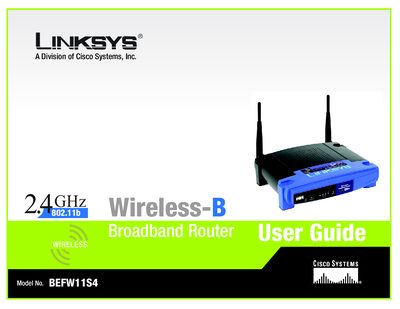
This guide helps you install and use the Linksys Wireless‑B Broadband Router, allowing multiple computers to share a single Internet connection via Ethernet cables or wireless adapters. It covers basic networking concepts, hardware installation, and the web‑based utility for configuration.
The manual includes chapters on planning your wireless network, detailed descriptions of the router’s front and back panels, step‑by‑step configuration of wireless settings, security options, firmware upgrades, and troubleshooting. Appendices provide additional help on wireless security, firmware updates, Windows networking, MAC address lookup, a glossary, specifications, warranty, regulatory information, and contact details.
It is a broadband router that shares an Internet connection among multiple computers via Ethernet cables or wireless adapters.
Use the Firmware Upgrade option in the Administration tab or follow the steps described in Appendix C.
See Appendix E, which explains how to locate the MAC address and IP address for your Ethernet adapter.