
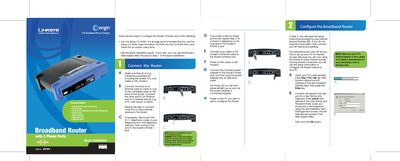
This guide provides step‑by‑step instructions for installing and configuring the Linksys RT31P2 broadband router. It covers connecting power, Ethernet, telephone lines, and the router’s Internet port, then walks you through the web‑based utility for basic setup.
The document explains how to select the appropriate Internet connection type (DHCP, Static IP, PPPoE, PPTP, RAS, Heart Beat Signal), enter ISP‑provided settings, and verify the configuration by testing the router’s web interface.
| Model number | RT31P2 |
|---|---|
| Default IP address | 192.168.15.1 |
| Default username | admin |
| Power LED indicator | Lights when power adapter is connected |
Open a web browser and go to http://192.168.15.1.
The default username and password are both "admin".
Connect the power adapter to the router’s Power port; the Power LED will light up.