
Media Hub is a Linksys home entertainment storage device that supports 1TB of storage and connects to your home network via USB so you can access your media from your TV, computer or mobile device.
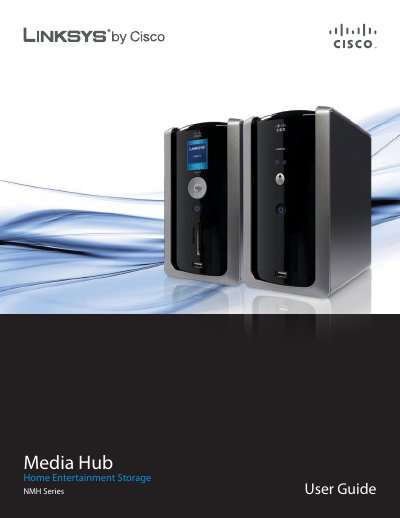
This guide covers the Linksys Media Hub hardware, including front, back and top panel layouts, LED indicators, Ethernet and USB ports, and optional memory‑card slots. It details how to install or replace SATA hard disks, connect to a network, and power the device safely.
The manual also describes the Media Importer, NTI Shadow backup tool, and the web‑based utility for advanced configuration, plus troubleshooting tips, specifications for each NMH model, warranty, regulatory information and software licensing.
| Model | NMH305 |
|---|---|
| Ports | One Gigabit Ethernet (10/100/1000), Two USB 2.0 |
| Available Storage | 500 GB |
| Dimensions | 7.80" x 4.37" x 6.61" (198 mm × 111 mm × 168 mm) |
| Power | External 12 V / 5 A |
| Operating Temperature | 32 °F to 95 °F (0 °C to 35 °C) |
Shut down the unit, disconnect power and Ethernet, release the drive‑bay cover, insert the SATA disk, secure it with the four screws, then reconnect power and network cables.
The LCD model accepts SD, MMC, xD, Memory Stick and CompactFlash cards.
The left LED glows green for a 100 Mbps link, orange for a 1000 Mbps link, and stays off for 10 Mbps; the right LED flashes with network activity.