
This document introduces the configuration method of the Linksys PAP2 device, including the configuration of the PAP2 device to connect to Net2Phone's provisioning server and the configuration of the voice line service.
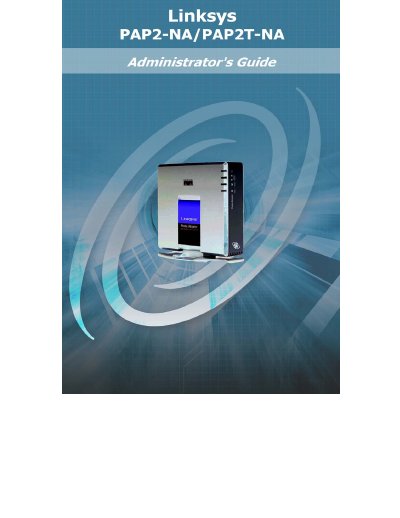
The Linksys PAP2 is a voice‑over‑IP telephone adapter that connects to a broadband Internet connection and uses the SIP protocol. This guide helps administrators set up the device, point it to Net2Phone’s provisioning server, and verify proper operation.
The manual walks you through identifying the exact PAP2 model, connecting the adapter to the network, accessing the web interface, entering the correct provisioning string, rebooting the device, and checking the blue PHONE 1/2 LED. It also explains how to remove a VoiceLine service and reset the adapter to factory defaults.
| Phone Port | RJ‑11 (PHONE 1) |
|---|---|
| Status Indicator | Blue PHONE 1/2 LED |
Identify the PAP2 model, connect it to the network, log in to its web interface, select the Provisioning tab, enter the model‑specific provisioning string, submit the changes, and reboot the device.
Dial four stars (****) from the handset, then dial 73738 (RESET) on the telephone’s number pad; the device will reset to factory defaults.
After reboot, the blue PHONE 1/2 LED should be lit, indicating the device has successfully downloaded its account information.