
This document is a user guide for the Wireless-G Business Ethernet Bridge, describing the features and characteristics of the product.
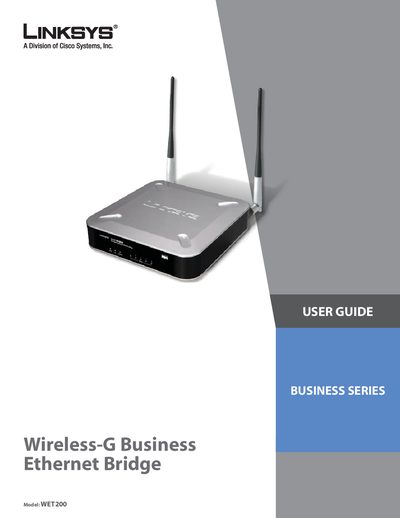
The WET200 Wireless Bridge connects separate Ethernet networks wirelessly and supports Power over Ethernet (PoE) as well as an optional AC adapter. It is designed for small‑business environments and offers advanced security, QoS, VLAN, SNMP, and other networking features.
The guide covers planning a wireless network, product overview, installation steps, quick and advanced configuration, specifications, warranty, regulatory information, and contact details. It includes detailed instructions for both infrastructure and ad‑hoc operation modes.
| Power over Ethernet (PoE) standard | IEEE 802.3af PD |
|---|---|
| Power input options | PoE or external AC adapter |
| LED indicators | POWER, PoE, WIRELESS, ETHERNET (1‑5) |
| Supported wireless standards | 802.11b / 802.11g |
The device can be powered via Power over Ethernet (IEEE 802.3af) or by connecting an external AC adapter to the power port.
The bridge works with 802.11b and 802.11g wireless standards.