
The PT-2730 is an easy-to-operate, feature-packed electronic labeling system that makes creating professional, high-quality labels a breeze. In addition to easy label creation via pre-formatted label layouts, the P-touch labeler editing software features advanced label formatting, block formats, bar codes, and auto-numbering functions.
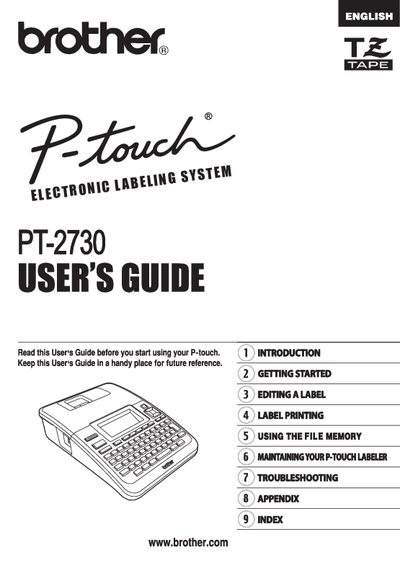
This manual introduces the Brother PT-2730 P-touch electronic labeling system, describing its easy‑to‑use interface, LCD display, keyboard, and optional accessories such as batteries and AC adapters. It explains safety precautions, basic operation, and how to create professional labels using built‑in templates, bar codes, and auto‑numbering.
The guide is organized into sections covering getting started, editing a label, label printing, using the file memory, maintenance, and troubleshooting. Warranty information, service contacts, and online registration details are also provided.
| Model Number | PT-2730 |
|---|---|
| Warranty Period (Machine) | Two years |
The machine is covered for two years from the original purchase date, and consumable accessories are covered for 90 days.
Reorient or relocate the receiving antenna, increase separation between the equipment and receiver, or connect the equipment to a different circuit.
Visit www.registermybrother.com to register the product in Brother’s database.