
This document is the European, US, and Canadian Regulatory Statements. It introduces the test results that the equipment meets the standards of EN 55022/55024 Part 15 B and FCC Part 15.
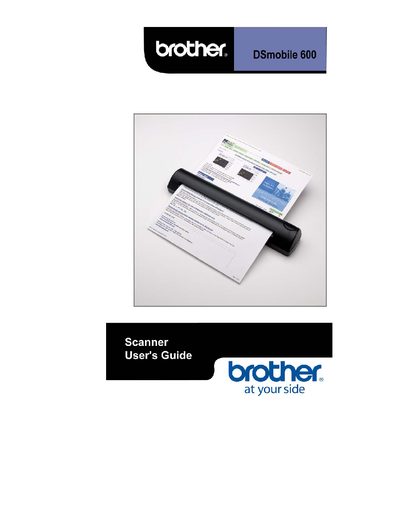
The guide introduces the DSmobile 600 scanner, lists the package contents, and describes the included software for Windows and Mac OS X, including the TWAIN 1.9 compatible driver and PageManager 7. It explains how to install drivers, configure the scanner, and use the DSmobileSCAN II application for scanning and file management.
Installation steps, hardware setup, calibration procedures, and troubleshooting tips are detailed, followed by warranty terms and contact information for technical support. The manual also covers regulatory statements and safety notices.
| USB cable length | 6 ft |
|---|---|
| Calibration sheets included | 2 sheets |
| Cleaner sheet included | 1 sheet |
| Driver standard | TWAIN 1.9 compatible |
The package contains the DSmobile 600 scanner, a 6‑ft USB cable, a carrying bag, an installation guide, photo sleeves, two calibration sheets, and one cleaner sheet.
Insert the installation CD that came with the DSmobile 600 scanner, run Setup.exe, accept the license agreement, and follow the wizard to complete the installation.
Open the scanner software and select the Calibration option to perform scanner calibration as described in the manual.
Report the issue to Brother Customer Service at 1‑800‑543‑6144 or email [email protected] with a copy of your bill of sale.