
This is a Brother label printer model QL-500/550. The printer can print various types of labels, including address labels, bar code labels, etc.
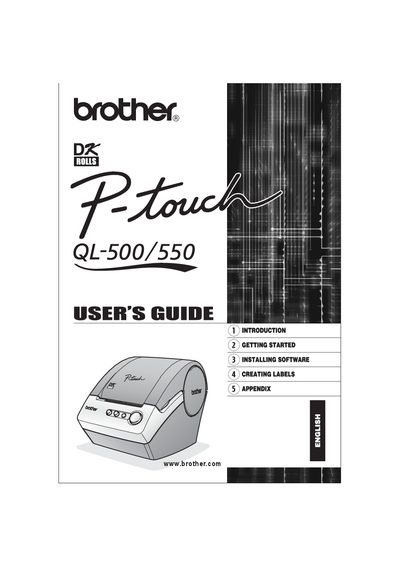
This guide introduces the Brother QL-500/550 label printer, describing its components, safety precautions, and the supplies required for proper use. It is intended to help users quickly get the printer up and running and to ensure safe, reliable operation.
The manual covers unpacking, connecting power and USB, installing DK rolls, installing the supplied software, creating various label types (including bar‑code labels), and performing routine maintenance such as cleaning the print head and cutter unit. Troubleshooting tips and specifications are also provided.
Verify that the package contains all listed items before using the printer.
Run the installation program from the supplied CD-ROM and follow the on‑screen instructions.
Use a soft, dry cloth to clean the print head; avoid touching it while hot.