
This document is about the user manual of Brother FAX-235 FAX-236 FAX-335MC, which introduces the product's usage methods and features.
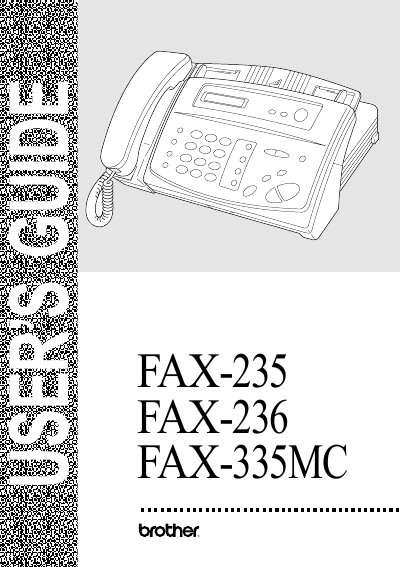
This manual covers the basic setup of the Brother fax machines, including dialing mode selection, date and time configuration, and key lock system setup. It also explains how to connect the unit, choose a location, and load paper.
Detailed sections describe receiving and sending functions, speed‑dial programming, message‑center features, remote retrieval, and troubleshooting. A specifications section and glossary are provided at the end of the document.
Select the dialing mode in the Initial Setup section under "Setting Dialing Mode (Tone/Pulse)".
Use the Setup Receive section and select "Select Answer Mode" to change the answer mode.
Store numbers for easy dialing in the "Storing Speed Dial Numbers" section of the manual.