
Brother Laser Printer HL-2700CN series User's Guide,this is a user manual that details the use of Brother Laser Printer HL-2700CN series.
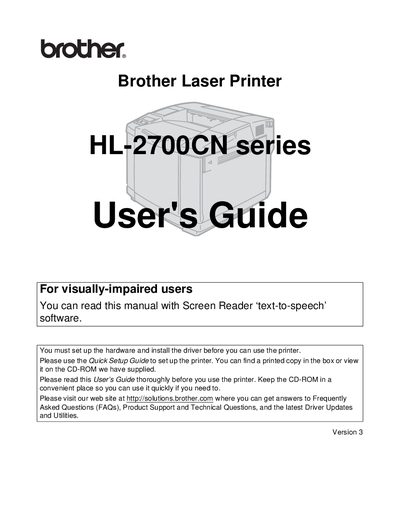
This guide covers safety warnings, hardware setup, driver installation, and basic operation of the Brother HL-2700CN laser printer. It includes important cautions about the hot fusing unit, high‑voltage components, and handling of consumables.
Later sections describe routine maintenance, troubleshooting steps, warranty registration, and regulatory compliance information such as FCC certification. Contact information for customer support and service centers is also provided.
| Weight | 31.5 kg (69.4 lb) |
|---|---|
| Model Number | HL-2700CN |
Immediately turn off the power switch, unplug the printer, and contact your dealer or Brother Customer Service.
The printer weighs approximately 31.5 kg (69.4 lb).
You can register the printer online at http://www.brother.com/registration or by completing the Brother Warranty Registration form.