
This document is a user manual for Brother FAX-T74 and FAX-T76 fax machines. The manual explains how to use the features and characteristics of these two fax machines.
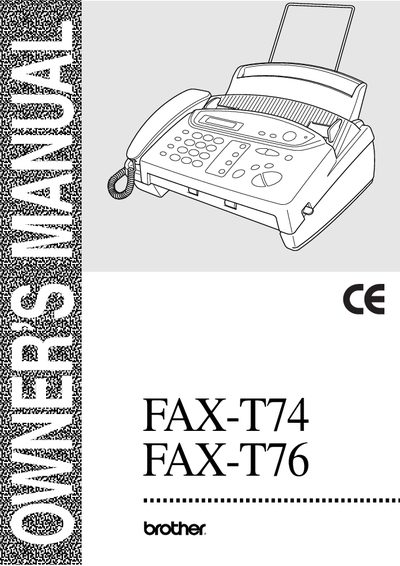
This manual guides users through the basic and advanced functions of the Brother FAX‑T74 and FAX‑T76 fax machines. It explains how to set up the device, use the on‑screen programming, and navigate the control panel with the Menu/Set key.
Key sections cover sending and receiving faxes, making copies, telephone functions, advanced features such as remote fax options and message management (FAX‑T76 only), as well as troubleshooting, error messages, and regular maintenance. Safety instructions and specifications are also included.
| Paper size | A4 |
|---|---|
| Paper weight | 64 g/m² – 90 g/m² |
| Paper thickness | 0.08 mm – 0.10 mm |
| Fax machine type | Group 3 Thermal Transfer |
| Model name | FAX‑T74 / FAX‑T76 |
Press the Menu/Set key to enter Function Mode, then use the arrow keys to scroll through options and select one.
Acceptable paper is A4 size, weight between 64 g/m² and 90 g/m², and thickness between 0.08 mm and 0.10 mm.