
This is a user manual for brother FAX-645 FAX-685MC MFC-960MC, which introduces the features and characteristics of the product, including operating instructions, installation instructions, etc.
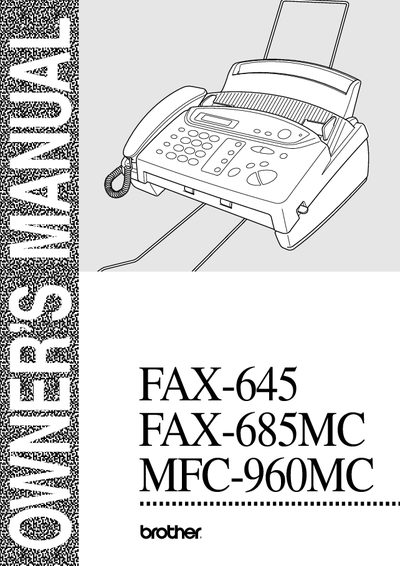
This manual covers everything you need to know to install, configure, and use Brother's FAX-645, FAX-685MC, and MFC-960MC fax machines. It includes detailed sections on locating the unit, connecting telephone lines, loading paper, and using the control panel.
Later chapters describe advanced features such as remote fax forwarding, polling, message centre functions, copy operations, and routine maintenance. A full specifications list, glossary, and accessory index are also provided.
Use the remote command to retrieve all faxes: press 9‑6, then enter the remote fax number, followed by ##, and wait for the beep.
From the menu, select the dialling mode option and choose either Tone or Pulse as required.
Enter the message centre menu, select the mode option, and press the appropriate key to turn it on or off.