
PT-1090 User's Guide
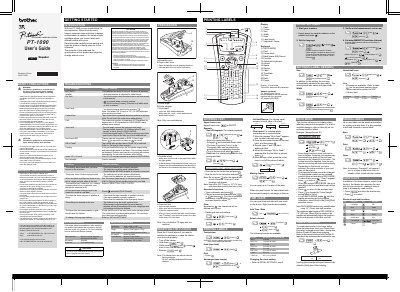
The Brother PT-1090 is an electronic labeling system that creates custom labels using interchangeable tape cartridges. This guide explains how to set up the device, select languages, and configure basic parameters.
It includes safety warnings, detailed instructions for printing labels, using DECO mode, cable labeling, saving and recalling labels, as well as troubleshooting tips and how to reset the unit.
| Dimensions (W x D x H) | 4.25" × 8.24" × 2.27" (107.9 × 209.4 × 57.6 mm) |
|---|---|
| Weight | Approx. 0.69 lb (Approx. 315 g) |
| Power supply | Six AAA alkaline batteries (LR03) |
| AC adapter model | AD-24ES |
| Tape cassette widths | 9/64" (3.5 mm), 1/4" (6 mm), 3/8" (9 mm), 1/2" (12 mm) |
Replace all batteries.
Use either 3/8" (9 mm) or 1/2" (12 mm) wide tape.