
This is a user manual for Brother Color Printer HL-3040CN HL-3070CW. It introduces how to use this printer
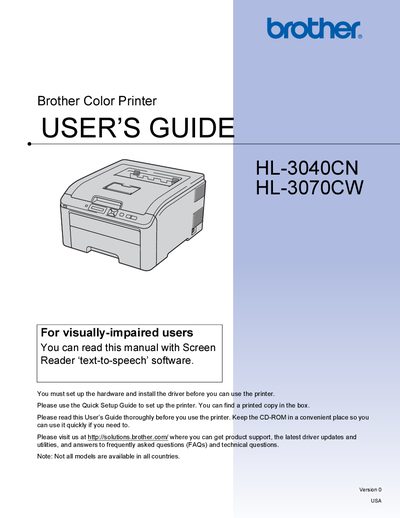
This guide covers safety precautions, installation requirements, and recommended operating conditions for the Brother HL-3040CN and HL-3070CW color printers. It explains power specifications, proper placement, handling, and cleaning procedures to ensure safe and reliable use.
The manual also details printing methods, driver and software installation, network connectivity, paper handling, and maintenance tasks. An index and FAQs help users quickly locate information on common issues and settings.
| Weight | 19.0 kg (41.9 lb) |
|---|---|
| Power Supply | AC 110‑120 V, 50/60 Hz (USA/Canada); AC 220‑240 V, 50/60 Hz (Europe/Australia) |
| Maximum Power‑Cord Length | 5 meters (16.5 ft) |
| Operating Temperature | 10 °C to 32.5 °C (50 °F to 90.5 °F) |
| Operating Humidity | 20% to 80% (non‑condensing) |
No. The manual advises not to share the same power circuit with other high‑powered appliances such as air conditioners or copiers.
The power cord, including extensions, should be no longer than 5 meters (16.5 ft).
The printer should be used in temperatures from 10 °C to 32.5 °C (50 °F to 90.5 °F) and humidity from 20% to 80% without condensation.
The printer weighs approximately 19 kg (41.9 lb).