
This document is the owner's manual for FAX-1270e, providing information about the product, including the model, date and place of purchase. It also introduces Brother's customer service and the frequently asked questions (FAQs) system.
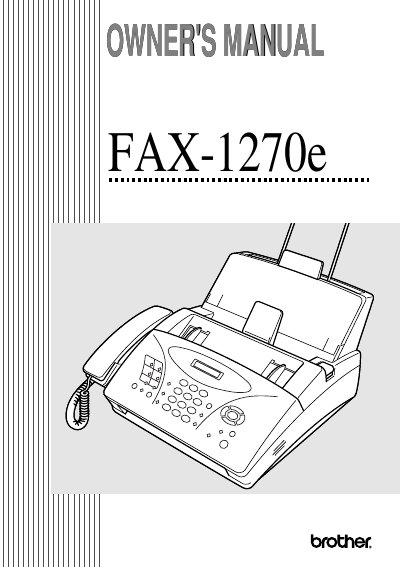
The Brother FAX-1270e Owner's Manual guides users through installation, configuration, and daily operation of the fax machine, including connecting phone lines, loading paper, and using the control panel.
It also covers advanced features such as remote retrieval, programming options, troubleshooting tips, technical specifications, and warranty information.
| Modem Speed | 14400/12000/9600/7200/4800/2400 (Automatic Fallback) |
|---|---|
| Resolution Horizontal | 203 dot/inch (8 dot/mm) |
| Resolution Vertical | Standard —98 line/inch (3.85 line/mm) |
| Power Consumption Peak | under 170 watts |
| Dimensions | 14.9 (W) × 15.2 (D) × 8.5 (H) inches |
| Weight | 13.2 lb / 6.0 kg |
The fax machine comes with a one‑year limited warranty from the date of purchase.
It supports automatic fallback speeds of 14400, 12000, 9600, 7200, 4800, and 2400 bits per second.