
This document is the user's guide for the FAX-1020e and FAX-1030e fax machines. These devices are designed to work with a two wire analogue PSTN line fitted with the appropriate connector. It is mentioned that the product may not function correctly in a country other than which it was originally purchased, and no warranty is offered in such cases. The manual provides information on using the machine, finding information, special symbols, and warnings.
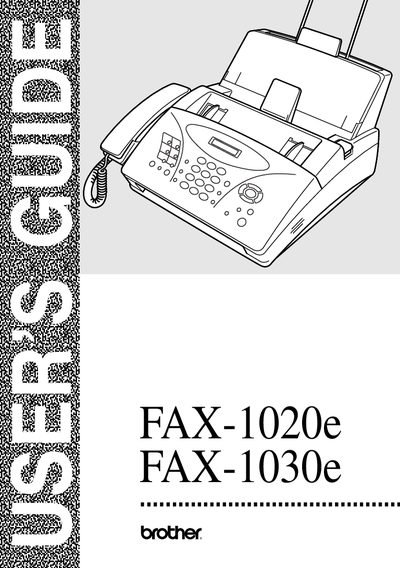
This manual explains how to prepare, set up, and use the Brother FAX-1020e and FAX-1030e fax machines. It includes step‑by‑step guidance for basic functions such as sending and receiving faxes, making copies, and using telephone features, as well as advanced options like remote retrieval and polling.
The document also covers safety information, troubleshooting, regular maintenance, and specifications. Appendices provide a full menu selection table and an accessory list to help users get the most out of their fax machines.
Brother advises that the product may not function correctly in a different country and does not offer any warranty for such use.
Make sure the Automatic Document Feeder is empty, then press Memory/Reports and 1.
Press Menu/Set, then 1, then 1; the screen will prompt you to select TONE or PULSE.
Press the Stop/Exit key.