
This manual describes the features and use of the FAX-8360P multifunction printer.
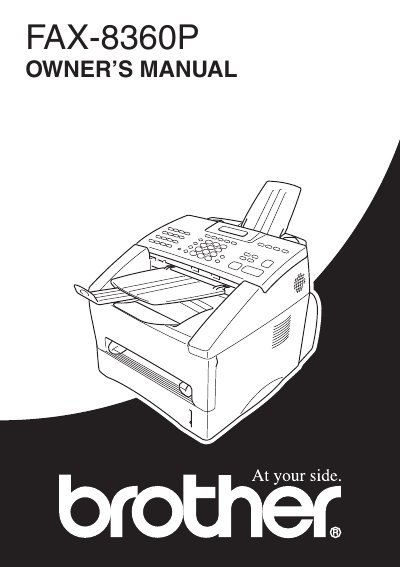
This manual explains how to install, configure, and use the Brother FAX-8360P facsimile machine. It covers basic operations such as sending and receiving faxes, storing numbers, and using the on‑screen programming features.
The guide also includes warranty information, safety warnings, and detailed menu descriptions to help users make the most of the device’s functions.
The receive modes are FAX/TEL, TAD, MANUAL, and FAX. Select a mode by pressing the Mode key until the desired indicator lights up.
Press the Reports key, then follow the on‑screen prompts to select the desired report and press Set.