
User's guide of Brother MFC-8220
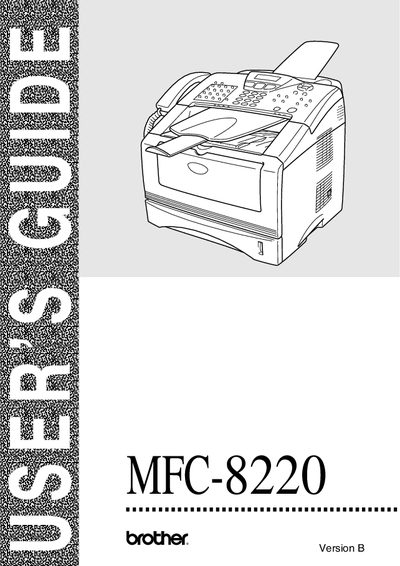
This guide explains how to set up and operate the Brother MFC-8220 multifunction printer/fax machine. It includes registration instructions, warranty details, and contact numbers for customer service in the USA and Canada.
The manual also lists optional accessories such as toner cartridges, paper trays, and network boards, and provides ordering information and fax‑back support for quick technical help.
| Standard toner cartridge | TN-540, up to 3,500 pages |
|---|---|
| High‑yield toner cartridge | TN-570, up to 6,700 pages |
| Optional paper tray | LT-5000 |
| Optional LAN board | NC-9100h |
The machine is covered for one year from the purchase date, and consumable and accessory items are covered for 90 days.
Call 1‑800‑284‑4329 for voice support, 1‑901‑379‑1215 for fax, or 1‑800‑284‑3238 for TTY service.