
The Logitech® Z-640 speaker system will enhance your audio experience. The system includes a subwoofer and multiple speakers, with various volume and channel control options.
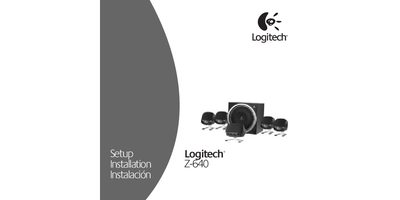
This manual begins with important safety information, warning users about electric‑shock hazards, proper placement, and handling of the speakers. It also explains how to protect the power cord and avoid exposure to moisture or heat sources.
The setup section details positioning of the subwoofer and satellite speakers, wiring the colored plugs to the subwoofer, and connecting to a PC or game console. Operation instructions cover the central speaker controls (power, system volume, fader, center, matrix, headphone jack) and Dolby® Digital support. Technical specifications and the two‑year limited warranty are listed at the end.
| Total RMS Power | 71.2 Watts |
|---|---|
| Subwoofer RMS Power (10% THD) | 25.7 Watts @ 4 Ω, 100 Hz |
| Total Peak Power | 140 Watts ( <10% THD ) |
| System THD | Better than 0.05% before clipping |
Connect the colored plugs from the audio input cable to the color‑coded jacks on the sound card.
Press the Matrix button on the center speaker to activate the center channel.