
This is the user manual for the Logitech Harmony 600 remote control. The remote control can control multiple devices, including televisions, stereos, and DVD players. Users can select activities through the remote control and control each device.
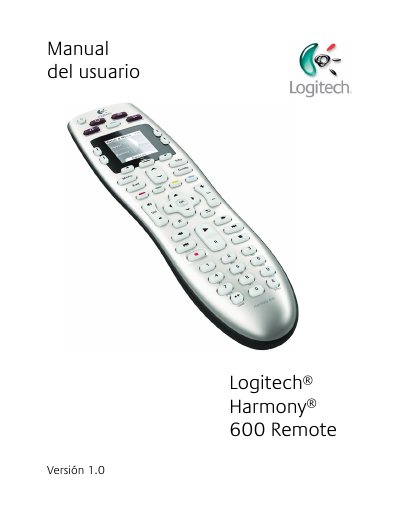
This manual provides step‑by‑step instructions for configuring and using the Logitech Harmony 600 remote. It covers creating a user account, connecting the remote to a computer, adding devices, setting up activities, and troubleshooting common issues.
The document also lists the remote’s technical specifications, such as LCD screen size, battery type, IR learning capability, and memory capacity, helping users understand the hardware limits and supported features. This manual is written in Spanish.
| LCD screen size | 4 cm (diagonal) |
|---|---|
| LCD resolution | 128 x 128 pixels |
| Battery type | AA Alkaline |
| Supported device brands | 5,000+ |
| Maximum devices per account | 5 |
| IR learning frequency | up to 200 kHz |
| Flash memory capacity | 2 MB |
| Weight (with battery) | 170.10 g |
| Dimensions | 22.2 x 5 x 3.3 cm |
Press the All Off button, which powers down every device used in the activity.
It uses AA alkaline batteries.
The LCD screen resolution is 128 × 128 pixels.