
This document provides instructions for installing and using the Logitech® X-530 speaker system, as well as safety precautions. The speaker system includes a subwoofer and five speakers, and offers easy use and great sound quality.
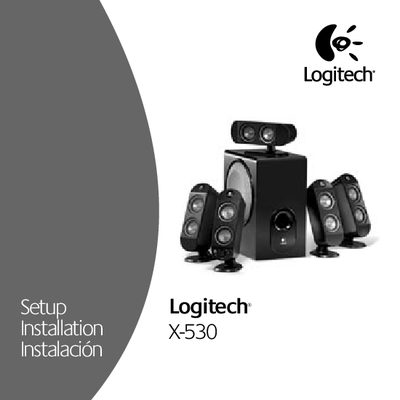
This manual covers important safety information for installing the Logitech X-530 speaker system, including proper placement, avoiding water and heat sources, using the polarized plug, and unplugging during storms or when not in use. Detailed setup instructions show how to connect the subwoofer, satellite speakers, and optional headphones, and explain wiring for 2‑channel, 4‑channel, and 5.1/6.1/7.1 sound cards.
Technical specifications are listed, such as total RMS power, subwoofer and satellite output, frequency response, THD, and dimensions. The warranty section outlines a two‑year limited warranty and the conditions for repair or replacement.
| Total RMS Power | 70.1 Watts |
|---|---|
| Subwoofer RMS Power | 25 Watts RMS at 4 Ω, 100 Hz, 10 % THD |
| Satellite RMS Power | 45.1 Watts RMS |
| Total Peak Power | 140 Watts <10 % THD |
| Total Harmonic Distortion (THD) | ≤ 0.07 % (system) |
| Signal‑to‑Noise Ratio | > 99 dB |
| Frequency Response | 40 Hz – 20 kHz |
| Driver Size | Satellites 5 in, Subwoofer 13.4 in |
When a headset is plugged into the headphone jack, the speakers are muted automatically for private listening.