
This document introduces the features and characteristics of the Logitech Harmony 890 Advanced Universal Remote, including product overview, industry overview, key features, setup and usage, optimization and customization, and frequently asked questions.
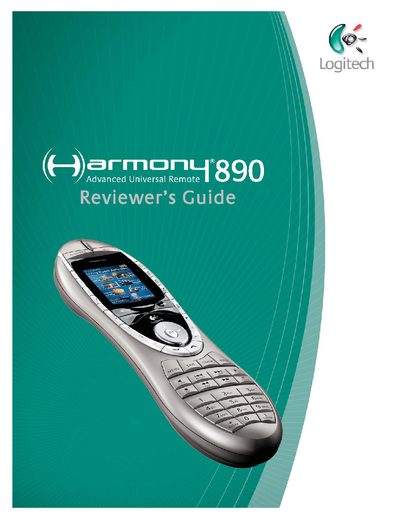
The Reviewer’s Guide introduces the Harmony 890 Advanced Universal Remote, Logitech’s first retail remote to use radio‑frequency (RF) wireless technology. It explains how the remote works with an RF Wireless Extender and IR blaster nodes to control devices hidden behind cabinets or in other rooms, and describes the one‑touch activity‑based control that simplifies home‑entertainment operation.
The guide also lists product specifications, pricing, and compatibility details, such as support for Windows and Macintosh operating systems and the extensive online database of infrared codes. Additional sections cover customizing buttons, teaching infrared commands, and frequently asked questions about the extender and database accuracy.
| IR Blaster Nodes | Eight cabled IR blaster nodes |
|---|---|
| Supported Operating Systems | Windows (98 SE & later) and Macintosh (OS X & later) |
All Harmony remotes support both Windows (98 SE & later) and Macintosh (OS X & later) operating systems.
The extender comes with eight cabled IR blaster nodes.