
This document is about the installation and usage instructions for Logitech® Z-5500 Digital Z-5500 Numérique speakers. The document provides safety precautions, such as keeping the speakers clean, placing them in a stable location, and avoiding water damage. It also advises users to follow the manufacturer's installation guidelines, use proper outlets and power cords, and connect the speakers to the computer or audio device's low level audio line out jack.
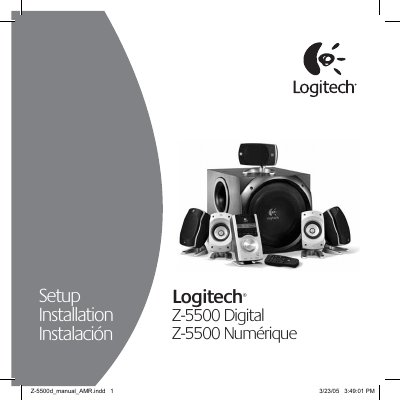
The Logitech Z-5500 Digital speaker system service manual provides detailed instructions for safe installation, wiring, and configuration of the 5.1 surround‑sound setup. It includes safety warnings, placement guidelines, and step‑by‑step procedures for connecting the subwoofer, center, and satellite speakers.
The manual also describes the Digital SoundTouch™ Control Center, remote functions, input selections, surround‑sound effects, and troubleshooting tips such as test tones and error messages. Technical specifications and FAQs are included to help service personnel maintain optimal performance.
| Total RMS power | 500 Watts RMS |
|---|---|
| Satellite RMS power | 313 Watts RMS |
| Subwoofer RMS power | 187 Watts RMS |
| Total peak power | 1000 Watts |
| Frequency response | 33 Hz – 20 kHz |
| Input impedance | 8 kΩ |
| Signal‑to‑Noise Ratio | >93.5 dB (typical 100 dB) |
Yes. Purchase standard speaker cables to extend the connections.
Press the mute button; the speakers will mute and the LCD will display ‘Mute On’. They unmute when volume is adjusted or other buttons are pressed.