
The Logitech Mobile Stereo Headset allows you to enjoy stereo music from your Bluetooth mobile phone, with no annoying cables. Automatically switches off the music when a call comes in. The headset’s patent-pending WindStop™ microphone reduces wind noise so it’s perfect for outdoor use. Use the integrated controls to adjust volume, play/pause, skip tracks, or answer/end phone calls. Large 40mm neodymium headphone drivers provide exceptional audio quality and its progressive behind the head design keeps the headset comfortably in place.
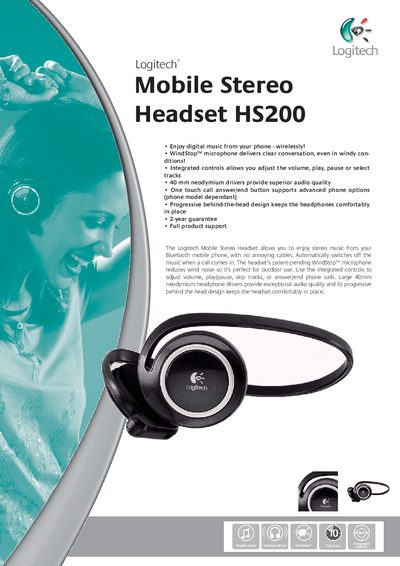
The Logitech Mobile Stereo Headset HS200 is a Bluetooth v1.2 cordless headset with a WindStop™ microphone, integrated volume and playback controls, and 40 mm neodymium drivers for high‑quality audio. It automatically pauses music when a call comes in and offers a progressive behind‑the‑head design for comfort.
The package includes the headset, an AC power adapter, a quick‑start guide, a full user guide, and a limited two‑year warranty. Detailed package specifications such as weight (350 g) and dimensions are also provided.
| Driver size | 40 mm neodymium |
|---|---|
| Bluetooth version | v1.2 |
| Weight | 350 g |
| Guarantee | 2 years |
| Microphone | WindStop™ |
The headset automatically switches off the music when a call comes in.
Integrated controls let you adjust the volume, play, pause, and skip tracks.
The headset comes with a two‑year guarantee.