
This document is the setup user manual for Logitech® io ™ Personal Digital Pen. The Logitech® io ™ Personal Digital Pen is a hardware product with a two-year limited warranty. Users have the option to claim warranty for repair, replacement, or refund. Warranty is void in cases of accident, abuse, misapplication, unauthorized repair, modification or disassembly, and use of battery types other than those recommended by Logitech.
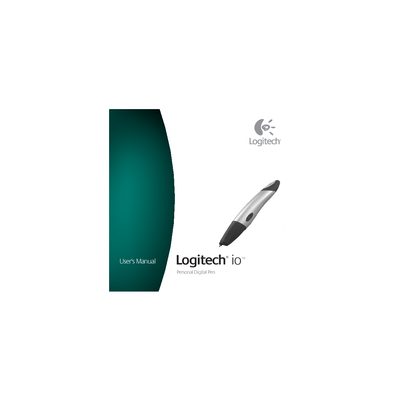
Congratulations on your purchase of the Logitech io Personal Digital Pen. This guide walks you through the hardware setup, software installation, and everyday use of the pen, which can store up to 40 pages of notes on digital paper and also functions as a regular ball‑point pen.
The manual also covers charging the pen (up to two hours), LED status indicators, warranty information, FCC and Canadian compliance statements, and contact details for technical support.
| Memory capacity | Up to 40 pages of notes |
|---|---|
| Charging time | Up to two hours |
| Operating temperature (charging) | 41 °F – 104 °F (5 °C – 40 °C) |
Battery charging takes up to two hours.
The pen can hold up to 40 pages of notes.