
Logitech Harmony 700 Remote User Manual, introduces how to use the remote control to control devices, configure activities, and change settings.
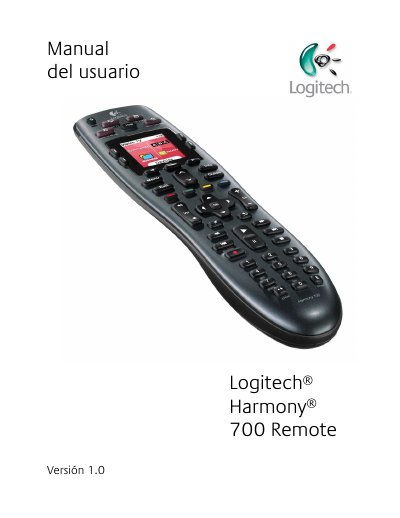
This manual explains how to set up and operate the Logitech Harmony 700 universal remote. It covers the basic concepts of activities, devices, inputs, and how the remote controls them with a single button press.
The guide details button functions, screen navigation, favorite channels, battery charging, and troubleshooting steps such as using the Help button. A full specification table is included at the end of the document. This manual is written in Spanish.
| LCD screen size | 4 cm (diagonal) |
|---|---|
| LCD resolution | 128 x 128 pixels |
| LCD colors | 65,000 colors |
| Battery type | AA NiMH rechargeable (min 1,800 mAh) |
| IR transmission range | Up to 1.5 m |
| Flash memory capacity | 2 MB |
| Weight (with battery) | 170.1 g |
| Dimensions | 22.2 × 5 × 3.3 mm |
Press the All Off button to power down every device involved in the activity.
Insert the USB cable into the top of the remote, connect the other end to the supplied AC adapter, and plug the adapter into a wall outlet.
It uses AA NiMH rechargeable batteries with a minimum capacity of 1,800 mAh.
The infrared transmitter works up to a distance of about 1.5 meters.