
This is a user manual for UX-HB4 micro component system, which introduces the features, characteristics and usage methods of the product
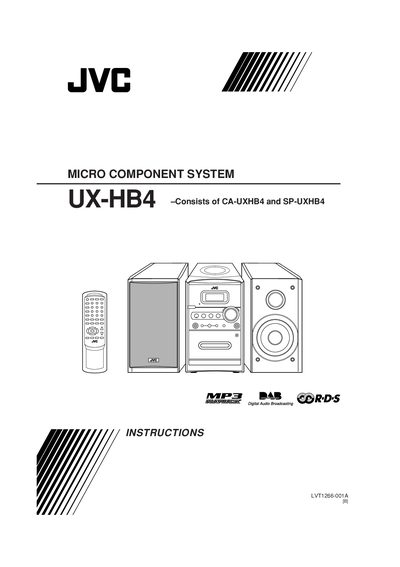
This manual covers safety warnings, proper installation, and wiring guidelines for the JVC UX‑HB4 micro component system. It explains how to connect the mains plug, antennas, speakers, and external equipment, and details ventilation and environmental precautions.
The guide also describes the operation of the remote control, button functions, audio playback, radio tuning (DAB, FM, AM), recording features, timer settings, and includes a full specifications table for the amplifier, tuner, CD player, cassette deck, and speakers.
| Output Power | 15 W per channel RMS |
|---|---|
| Audio Input Sensitivity (AUX) | 500 mV |
| Speaker Impedance | 4 Ω |
| DAB Tuning Range | 174.928 MHz – 239.200 MHz |
| FM Tuning Range | 87.50 MHz – 108.00 MHz |
| AM Tuning Range | 522 kHz – 1629 kHz |
| CD Player Dynamic Range | 85 dB |
| CD Player Signal‑to‑Noise Ratio | 85 dB |
| Cassette Deck Frequency Response | 100 Hz – 10 kHz |
| Cassette Deck Wow and Flutter | 0.35 % WRMS |
| Power Requirement | AC 230 V, 50 Hz |
| Power Consumption (operation) | 10 W |
| Power Consumption (standby) | 2 W |
| Unit Dimensions (W×H×D) | 152 mm × 233 mm × 297 mm |
| Unit Mass | 4.0 kg |
| Speaker Type | Full range, bass‑reflex |
| Speaker Size | 10 cm cone |
| Speaker Power Handling | 15 W |
| Speaker Frequency Range | 100 Hz – 15 kHz |
| Speaker Dimensions (W×H×D) | 147 mm × 233 mm × 189 mm |
| Speaker Mass | 1.9 kg each |
Connect the blue (neutral) wire to the terminal marked N and the brown (live) wire to the terminal marked L, and never cut off the mains plug.
Do not block any ventilation openings or holes and keep at least 10 cm of clearance around the unit to allow proper airflow.
Disconnect the mains plug; the STANDBY/ON button does not disconnect the mains line.
The amplifier delivers 15 W per channel RMS into a 4 Ω load at 1 kHz.