
This document is an instruction manual for the CA-MXS6MDR compact component MD system. The document includes information on the model number, serial number, warnings, and cautions.
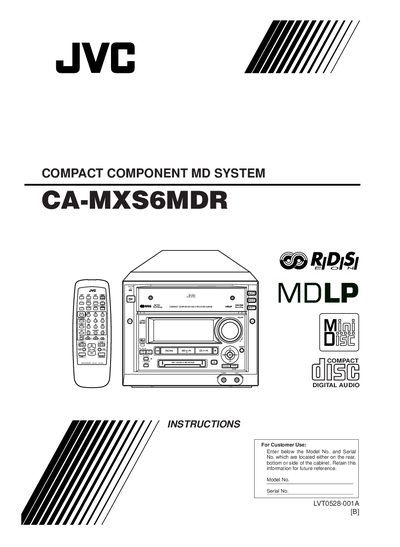
This manual covers the JVC CA-MXS6MDR Compact Component MD System, a MiniDisc playback and recording unit. It explains how to install the unit safely, connect antennas and speakers, and configure power and ventilation requirements.
Key sections describe the location and function of buttons and controls, remote‑control operation, playback and recording procedures, MD editing features, and maintenance. Safety warnings, specifications, and a troubleshooting guide are also included.
| Front view dimension | 16.5 cm |
|---|---|
| Side view dimension | 27 cm |
| Operating temperature range | 5 °C to 35 °C |
| Mains wiring colors | Blue = Neutral, Brown = Live |
Obtain an appropriate safety‑approved extension lead or consult your dealer.
Press the ENTER/DEMO button on the unit until “DEMO OFF!” appears on the main display.
Blue indicates neutral and brown indicates live.
Consult your dealer for assistance.