
This is a JVC digital video camera user manual
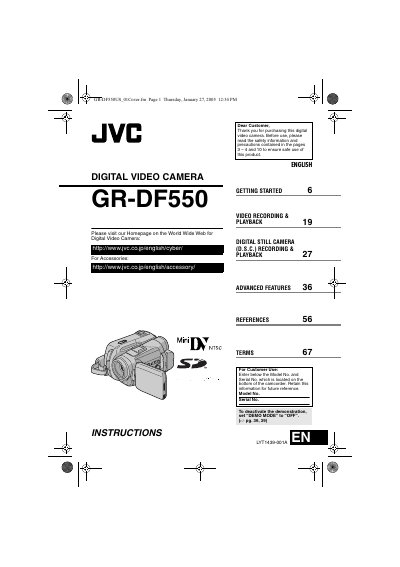
This manual introduces the JVC GR-DF550 digital video camera, covering safety precautions, required accessories, and basic operation. It guides users through initial setup, battery handling, and proper ventilation to ensure safe and reliable use.
Detailed sections describe the camera's controls, connectors, menu settings, and advanced recording features such as backlight compensation, wipe/fader effects, and digital still camera functions. Troubleshooting tips and a glossary of terms help resolve common issues.
| Battery type | JVC BN-VF707U / VF714U / VF733U |
|---|---|
| Image size options | 1600×1200, 1152×864, 1024×768, 640×480 |
| Recording speed modes | SP / LP |
| Power supply | Multi‑voltage AC adapter (provided) |
Set the “DEMO MODE” switch to “OFF”.
It uses JVC BN‑VF707U, VF714U, or VF733U battery packs.
Do not expose the camcorder to rain or moisture, keep ventilation openings clear, and avoid using the unit near water or open flames.