
JVC GZ-MG50E/EK GZ-MG40E/EK GZ-MG30E/EK GZ-MG20E/EK Hard Disk Camcorder User Manual

This manual describes basic operation of the GZ-MG50E/EK, GZ-MG40E/EK, GZ-MG30E/EK, GZ-MG20E/EK hard disk camcorders.
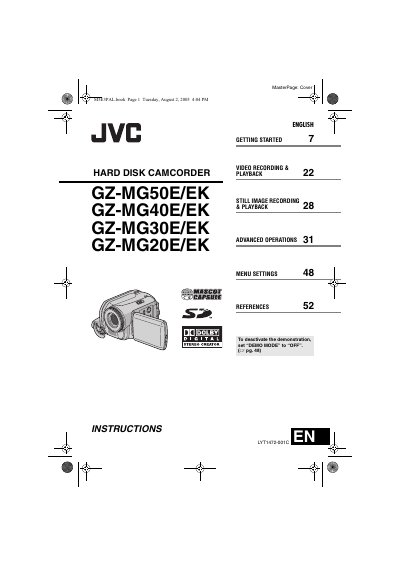

JVC GZ-MG50E/EK GZ-MG40E/EK GZ-MG30E/EK GZ-MG20E/EK Hard Disk Camcorder User Manual - cover page
Brand
JVC
Category
Other Electronics
Document type
User Manual
Language
English
Pages
64
File format
PDF
File size
7.3 MB
Published
04 May, 2012
Updated
30 September, 2023
MD5 checksum
6305C69C96DAE3117367645A7D469FA6

About this manual

This manual covers JVC's GZ‑MG series hard‑disk camcorders, which record MPEG‑2 video to a built‑in hard disk and support SD‑card storage. The devices feature multiple recording modes, USB 2.0 transfer, and PictBridge direct printing.

The guide includes Getting Started, Video Recording & Playback, Still Image Recording & Playback, Advanced Operations, Menu Settings, safety precautions, specifications, and troubleshooting. It also explains how to use accessories such as the AC adapter, battery pack, remote control, and various cables.

What's inside

  • Getting Started
  • Video Recording & Playback
  • Still Image Recording & Playback
  • Advanced Operations
  • Menu Settings
  • Safety Precautions
  • Accessories
  • References
  • Troubleshooting
Download PDF (7.3 MB)

More JVC Manuals


View all JVC manuals →