
JVC KD-HDR44 User Manual

KD-HDR44 CD Receiver user manual
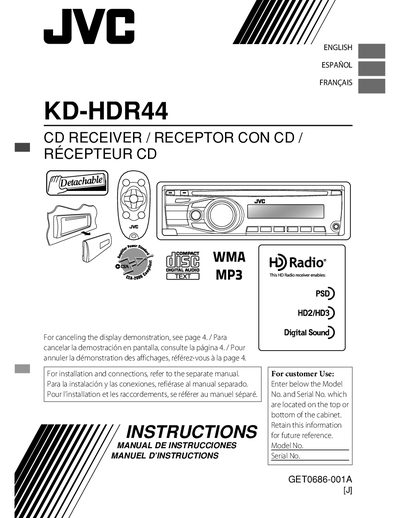

JVC KD-HDR44 User Manual - cover page
Brand
JVC
Category
Audio-Video Decoder
Document type
User Manual
Language
English
Pages
28
File format
PDF
File size
1.9 MB
Published
04 May, 2012
Updated
30 September, 2023
MD5 checksum
9D7659CF1BE5E103B1BB35E00E933AE1

About this manual

This manual covers the installation, basic operation, and maintenance of the JVC KD-HDR44 CD receiver. It includes safety warnings, control‑panel handling, remote‑controller setup, and detailed instructions for using HD Radio, Bluetooth and other functions.

The guide also provides troubleshooting steps, specifications, and warranty information, helping owners achieve reliable performance in a vehicle environment.

What's inside

  • Control panel attachment/detachment
  • Resetting the unit
  • Ejecting a disc
  • Maintenance and cleaning
  • Canceling the display demonstration
  • Setting the clock
  • Remote controller battery replacement
  • Radio operation and HD Radio
  • Bluetooth device usage
  • Troubleshooting

Frequently asked questions

How do I cancel the display demonstration?

Turn on the power and select DEMO OFF.

How do I set the clock?

Turn on the power, select CLOCK, then CLOCK SET, adjust the hour and minute, and finish the procedure.

What battery should be used for the remote controller?

Replace the battery with a CR2025 lithium coin cell and do not use any other type.

What safety precaution is required for the laser component?

Do not open the top cover; there are no user‑serviceable parts inside.

Download PDF (1.9 MB)

More JVC Manuals


View all JVC manuals →