
LVT0521-013A is a DVD video player with basic operations such as slow motion, cursor control, and volume adjustment. It supports 3D sound and karaoke function.
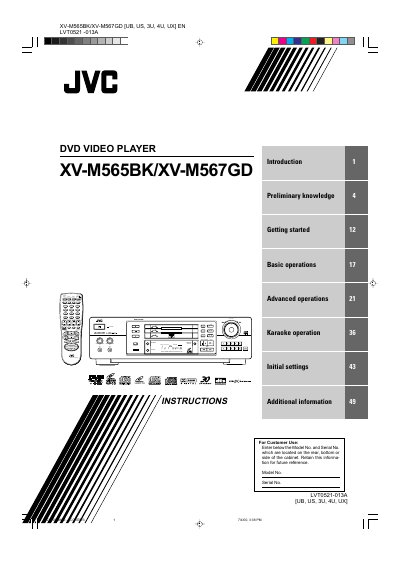
This manual covers everything you need to know to install and use the JVC XV-M565BK and XV-M567GD DVD video players. It includes safety warnings, handling instructions, a description of all front‑panel and remote‑control functions, and step‑by‑step procedures for basic and advanced playback, including karaoke features.
Later sections explain how to connect the player to a TV, audio amplifier or receiver, how to adjust preferences such as parental lock, and provide a full specifications table and troubleshooting guide for common issues.
| Power consumption (standby) | 2.7 W |
|---|---|
| Laser safety class | Class 1 |
| Operating temperature range | 5 °C – 35 °C (41 °F – 95 °F) |
Use the TV connection instructions in the manual, which describe connecting the unit to a TV with the appropriate video input jacks.
Press the AMP VOL button on the remote control to adjust the volume of a JVC amplifier or receiver.
The unit consumes about 2.7 W of power while the power cord is connected.
The player is classified as a Class 1 laser product.