
This document is the user manual for KD-A315 / KD-R310. It introduces the functions, features and usage of the product.
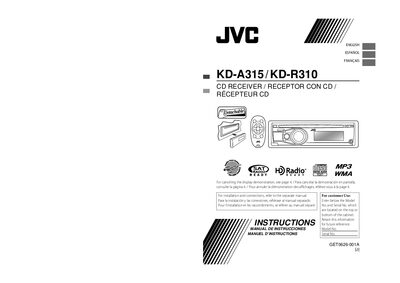
This manual covers the operation of the JVC KD‑A315/KD‑R310 in‑dash CD receiver. It includes safety notices, FCC compliance information, laser‑class warnings, and general handling instructions for the unit. The guide also explains how to attach the control panel, reset the unit, and perform basic functions such as disc playback, radio tuning, and Bluetooth pairing.
Detailed sections describe remote‑controller setup, battery replacement, Bluetooth device registration, and troubleshooting steps. Installation and wiring requirements are provided in a separate installation manual, but key electrical specifications and speaker‑connection guidelines are included here.
| Satellite radio capability | Ready |
|---|---|
| HD Radio capability | Ready |
| Supported audio formats | MP3, WMA |
| Power supply | 12 V DC, negative ground |
| Maximum speaker power | More than 50 W, 4 Ω–8 Ω |
| Bluetooth adapter model | KS‑BTA200 (not supplied) |
Turn on the power, select the demo‑off option, and finish the procedure.
Follow the reset steps; all preset adjustments are erased except the registered Bluetooth device.
Use a CR2025 coin cell or an equivalent; other batteries must not be installed.
Choose OPEN or SEARCH in the Bluetooth menu, enter a PIN (default 0000 or device‑specific), and complete the connection steps.