
VN-X235VPU is a high definition surveillance camera that uses high resolution CCD sensors with 4 times the pixel count of VN-V225VPU.
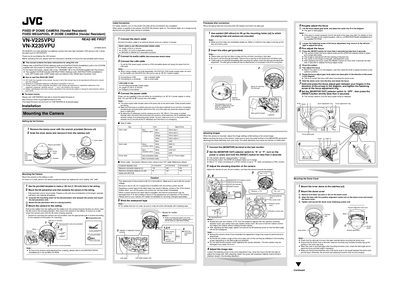
This guide provides step‑by‑step instructions for installing JVC VN‑V225VPU and VN‑X235VPU fixed IP dome cameras. It includes mounting the camera, connecting power and network cables, and configuring initial settings such as IP address and image adjustments.
Key sections cover ceiling or wall mounting, cable selection, power supply options (AC 24 V or PoE), default IP address configuration, and basic image adjustment procedures. The manual also lists recommended computer specifications for using the supplied software tools.
| Power rating | AC 24 V, 50 Hz/60 Hz |
|---|---|
| Maximum cable distance (2‑core VVF, 21.0 mm) | 130 m |
The camera ships with the IP address set to 192.168.0.2.
Use the provided template to drill a 930 mm hole, attach the fall‑prevention wire, then secure the camera with the mounting screws.