
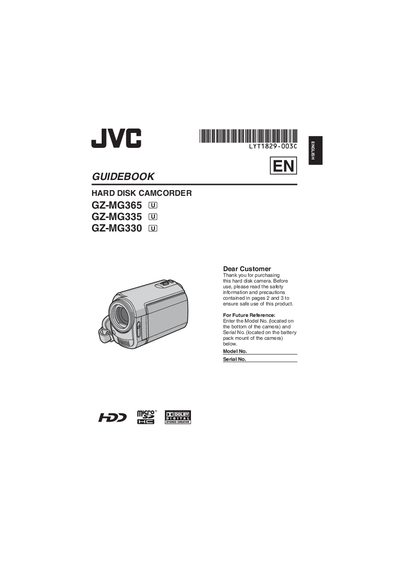
This manual begins with safety precautions, warning users about electric shock, moisture, and battery hazards. It explains how to install the camcorder, attach accessories, and configure basic settings such as date, time, language, and grip adjustment.
The guide then covers recording functions, playback options, file management, and connecting the camcorder to external devices like TVs and DV equipment. It also includes information on the bundled software, backup procedures, and service recommendations.
| Battery type | CR Coin Cell Lithium Battery |
|---|---|
| Recommended replacement battery | CR2025 (Panasonic, Sanyo, Sony, Maxell) |
| Supported battery packs | JVC BN‑VF808U / VF815U / VF823U |
Use a CR2025 lithium coin cell from Panasonic, Sanyo, Sony, or Maxell and avoid recharging, heating above 100 °C, or incinerating the battery.
No. The DV‑cable connection procedure does not apply to the GZ-MG330 model.
Do not remove the cover, keep ventilation openings clear, avoid moisture, and keep the unit away from naked flames and liquids.