
This document provides instructions for operating the JVC GY-DV500 DV camcorder, including controls, indicators and connectors, basic system connections and adjustments, power supply preparations, setting and adjustments before shooting, shooting operation, playback mode, time code operation, S.S.F. (Super Scene Finder), using external components, setup menu, and other features of the camera section.
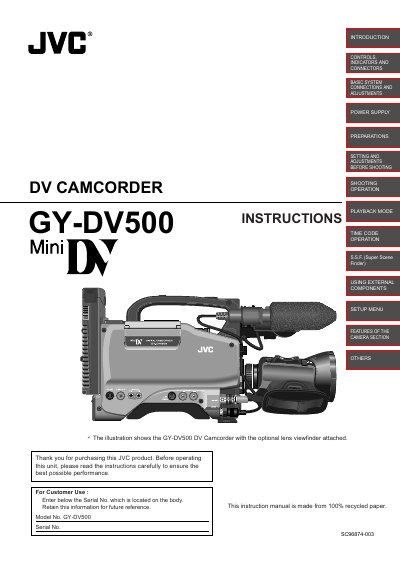
This manual covers everything you need to know to operate the JVC GY-DV500 MiniDV camcorder, from initial setup and power connections to detailed shooting and playback procedures. It includes safety precautions, battery handling, and guidance on using optional accessories such as lenses and viewfinders.
The guide also explains advanced features like time‑code recording, Super Scene Finder, and various menu settings, as well as troubleshooting tips and maintenance advice to keep the camcorder performing reliably.
| Weight | approximately 5 kg |
|---|---|
| Power Supply | 12 V DC (11‑15 V DC acceptable) |
| Battery Type | CR2032 lithium |
| CCD Sensors | Three 1/2" CCDs, 380,000 effective pixels |
| Recording Format | MiniDV, 4:1:1 8‑bit 25 Mbps |
| Audio Sampling | 16‑bit 48 kHz and 12‑bit 32 kHz PCM |
| Low‑Light Sensitivity (Super) | F/11 at 2000 lux |
| Low‑Light Sensitivity (LOLUX) | 0.75 lux (F1.4) |
The camcorder must be powered with a 12 V DC supply (acceptable range 11‑15 V DC).
It uses a CR2032 lithium battery.
Use the provided head cleaning tape periodically; do not use other cleaning tapes.