
This document introduces the model, features and usage of JVC LASER PRODUCT.
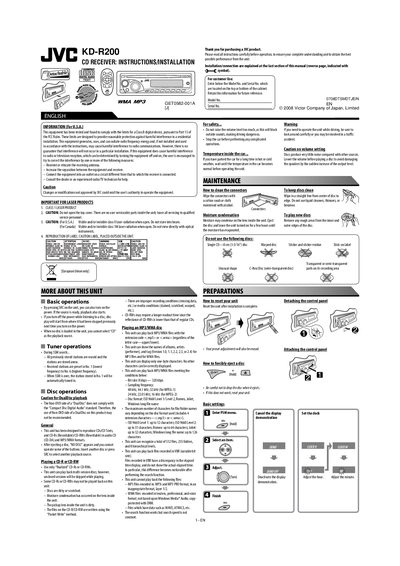
This manual covers the installation and connection of the JVC KD-R200 CD receiver, including wiring diagrams, battery installation, and mounting instructions. It also explains basic operation, sound adjustments, and how to use the remote controller.
Additional sections provide detailed specifications, safety warnings, troubleshooting steps, and a parts list for the unit. The document is intended for car audio installers and end‑users who need to set up and maintain the receiver.
| FM Frequency Range | 87.5 MHz to 107.9 MHz |
|---|---|
| AM Frequency Range | 530 kHz to 1710 kHz |
| Mass | 1.3 kg (2.9 lbs) |
| Supported Audio Formats | CD, CD‑Text, CD‑R, CD‑RW, MP3, WMA |
Enter the PSM menu, select an item, adjust the setting, and finish to reset the unit.
The remote controller uses a lithium coin battery (CR2025) and no other battery type should be installed.
Wipe the disc in a straight line from the center outward, and do not use liquid cleaners or thinners.