
This document describes the use instructions for DT-V24L1D DT-V24L1 DT-V20L1D DT-V20L1 Multi Format LCD Monitor
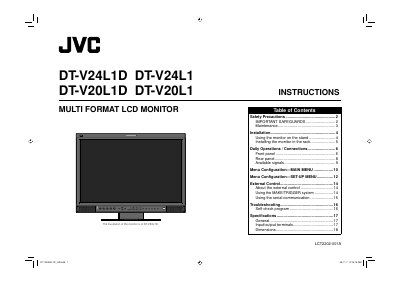
This manual provides safety precautions, maintenance guidelines, and step‑by‑step installation instructions for the JVC DT‑V24L1D multi‑format LCD monitor. It explains how to mount the monitor on a stand or in a rack, connect video and audio sources, and configure menus for picture and audio settings.
The document also details external control options, troubleshooting procedures, self‑check programs, and technical specifications such as power requirements, cable lengths, and input/output terminals. All information is presented in both Chinese and English for international users. This manual is written in Chinese.
| Power supply voltage | AC 120 V (U.S.A./Canada) or AC 220‑240 V (Europe/Asia/UK) |
|---|---|
| Inrush current | 5.428 A |
| Power cord length | 2.0 m |
| Video signal cable length | 2.0 m |
| Audio signal cable length | 1.5 m |
| DVI cable length | 1.5 m |
| RS‑232C cable length | 2.0 m |
| RS‑485 cable length | 2.0 m |
| Remote control cable length | 2.0 m |
Use AC 120 V for North America (U.S.A. and Canada) or AC 220‑240 V for Europe, Asia and the United Kingdom as indicated on the product label.
Yes, the monitor can be installed in a rack using JVC’s rack‑mount adapter (part number RK‑C20L1), after removing the stand.