
This manual introduces the basic operation methods of JVC BR-HD50E HD recorder
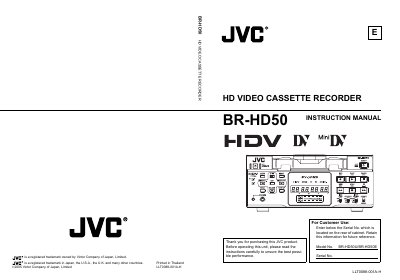
This instruction manual covers all aspects of using the JVC BR‑HD50 HD Video Cassette Recorder, including safety precautions, proper installation, and detailed operating procedures. It explains how to connect video and audio signals, select recording formats, and use the remote and RS‑422A interfaces.
The guide also provides maintenance tips, cassette handling advice, and troubleshooting information, along with technical specifications such as power requirements, in‑rush current, and recommended cable lengths. Following the instructions ensures reliable performance and compliance with regional safety regulations.
| Inrush current | 9.0 A |
|---|---|
| Power supply voltage | 220 V‑240 V AC, 50 Hz/60 Hz |
| HDMI cable length | 5 m |
| IEEE‑1394 cable length | 4.5 m |
| Recording format | HDV 720p (720 effective scanlines) |
The unit uses a 3‑wire grounding plug that fits only grounding‑type outlets; do not modify or defeat the grounding plug.
It must be connected to a 220 V‑240 V AC supply at 50 Hz or 60 Hz and properly earth‑ed.
Set the safety slide on the cassette to the “SAVE” position before recording.