
This document is the instruction manual for the JVC digital media receiver KD-X50BT, including installation, connections, and operation.
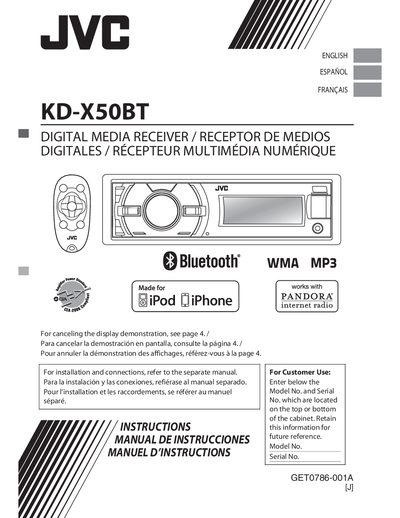
This manual covers safety warnings, FCC compliance information, and basic installation guidance for the JVC KD‑X50BT digital media receiver. It explains how to cancel the on‑screen demo, set the clock, and perform routine cleaning and maintenance.
The guide details the operation of the control panel and remote, including source selection, volume control, Bluetooth and USB audio playback, FM/AM radio tuning, preset storage, radio timer functions, and illumination/brightness adjustments. Troubleshooting tips and warranty information are also provided.
| Bluetooth support | Yes |
|---|---|
| USB input | USB 2.0 |
| Supported audio file formats (USB) | MP3, WMA, WAV |
| FM preset capacity | Up to 18 stations |
You can preset up to 18 FM stations.
The unit plays MP3, WMA, and WAV files from a USB mass‑storage device.
Use the reset procedure described in the manual; resetting will erase all preset adjustments.