
This file is the user manual for JVC HD MEMORY CAMERA GC-FM1
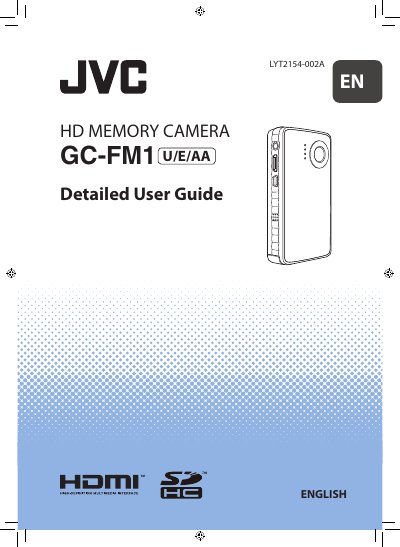
This detailed user guide explains how to safely set up and operate the JVC GC-FM1 camcorder. It includes safety precautions, component descriptions, charging instructions, and step‑by‑step procedures for recording video and still images.
The manual also provides information on LCD monitor indicators, SD‑card handling, firmware version checking, software installation, and how to export media to iTunes or YouTube. Customer support contacts and regulatory compliance details are listed at the end.
| Operating temperature | 5 °C to +40 °C |
|---|---|
| Model number | GCFM1U |
Do not expose the camcorder to liquid, rain, moisture, or extreme temperatures, and never disassemble or attempt to repair it yourself.
Connect the camcorder to a PC using the supplied USB cable to charge the battery.