
JVC GZ-MG365/GZ-MG335/GZ-MG330 User Manual

This is a user manual for hard disk camera
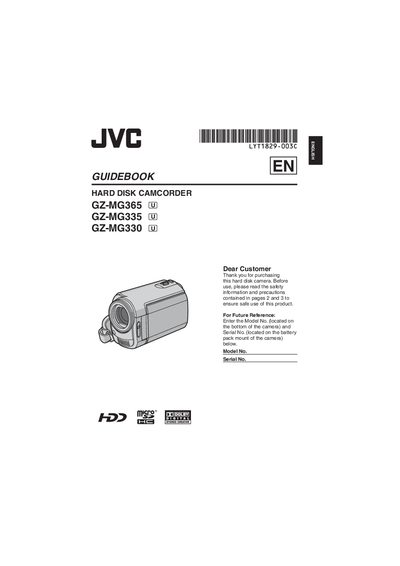

JVC GZ-MG365/GZ-MG335/GZ-MG330 User Manual - cover page
Brand
JVC
Category
Other
Document type
User Manual
Language
English
Pages
76
File format
PDF
File size
4.5 MB
Published
04 May, 2012
Updated
30 September, 2023
MD5 checksum
B7922D0323D8140B483B2EC6049718FD

About this manual

This guidebook provides safety precautions, handling instructions, and setup steps for the JVC GZ‑MG365, GZ‑MG335 and GZ‑MG330 hard‑disk camcorders. It explains how to install batteries, attach accessories, configure settings, and use the camera’s recording and playback functions.

The manual also includes detailed information on connecting the optional DV cable, using the touch sensor menu, backing up recorded data, and troubleshooting common issues. Compliance and warranty notices are provided at the end of the document.

What's inside

  • Getting Started
  • Accessories
  • Touch Sensor Operation
  • Battery Installation and Replacement
  • MicroSD Card Usage
  • Recording Functions
  • Playback and Editing
  • Connecting DV Cable
  • Safety Precautions
  • Warranty and Compliance
Download PDF (4.5 MB)

More JVC Manuals


View all JVC manuals →