
TL-WN350G/TL-WN350GD 54M Wireless PCI Adapter User Guide, introducing the features and characteristics of the product and how to connect and use it.
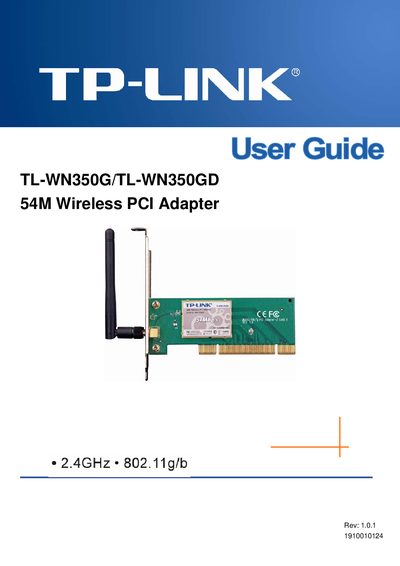
This guide introduces the TL-WN350G/TL-WN350GD 54M Wireless PCI Adapter, describing its features, supported standards, and security options. It explains how the adapter enables wireless connectivity for desktop PCs without the need for network cabling.
The document covers hardware installation, software setup for Windows operating systems, profile configuration, diagnostics, specifications, and a glossary of wireless terms. Regulatory notices for FCC, CE, and national restrictions are also included.
| Operating frequency | 2.4 GHz (802.11g/b) |
|---|---|
| PCI interface | 32‑bit |
| Data rates | 54/48/36/24/18/12/9/6 Mbps or 11/5.5/2/1 Mbps |
| Security protocols | WPA/WPA2, IEEE802.1x, TKIP/AES, 64/128/152‑bit WEP |
| Antenna type | Fixed antenna (TL‑WN350G) / Detachable antenna (TL‑WN350GD) |
The adapter supports Windows 2000, Windows XP, Windows Vista 32‑bit, and Windows Vista 64‑bit.
It supports WPA/WPA2, IEEE802.1x authentication, TKIP/AES encryption, and 64/128/152‑bit WEP encryption.