
Wireless PCI Adapter User Guide
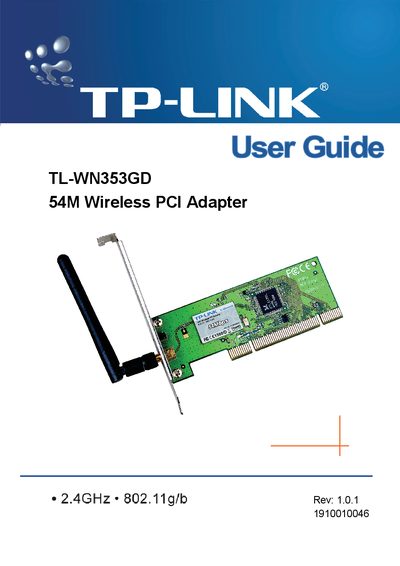
This guide introduces the TL-WN353GD 54M Wireless PCI Adapter, a 2.4 GHz 802.11g/b device that offers up to 54 Mbps data rates and WPA/WPA2 security. It explains the adapter’s features, LED status indicators, and the detachable reverse‑SMA antenna.
The manual covers hardware installation, software setup for Windows, configuration options such as profile management and Wi‑Fi Protect, and includes a glossary of wireless networking terms. Appendices provide detailed specifications and additional reference information.
| Maximum wireless data rate | 54/48/36/24/18/12/9/6 Mbps or 11/5.5/2/1 Mbps |
|---|---|
| PCI interface | 32‑bit |
| Security protocols | WPA/WPA2, IEEE802.1x, TKIP/AES, 64/128/152‑bit WEP |
| Antenna type | Detachable reverse SMA connector |
| Operating modes | Ad‑Hoc and Infrastructure |
| Roaming support | Yes, in Infrastructure mode |
| Supported operating systems | Windows 98, ME, 2000, 2003, XP, Vista, XP64 |
The adapter works with Windows 98, ME, 2000, 2003, XP, Vista, and XP64.
It supports WPA/WPA2, IEEE802.1x authentication, TKIP/AES encryption, and 64/128/152‑bit WEP encryption.
Yes, it supports both Ad‑Hoc and Infrastructure networking modes.