
This document describes the features and characteristics of TP-LINK Technologies Co., Ltd's products and provides copyright and trademark information.
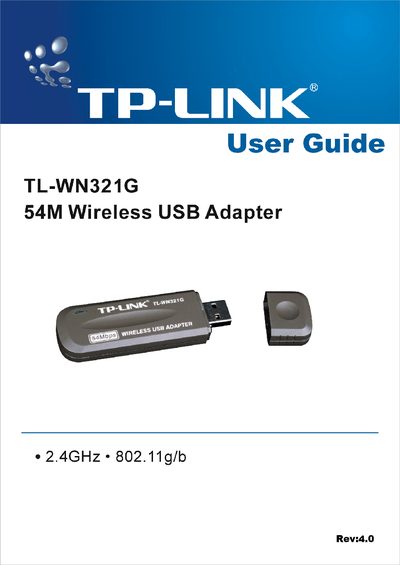
The TP-Link TL-WN321G USB Wireless Adapter provides 2.4 GHz 802.11g/b connectivity up to 54 Mbps, allowing PCs and notebooks to join wireless networks without cabling. It includes an internal antenna, USB interface, and supports WPA/WEP security.
This guide explains hardware and software installation, driver setup, configuration of profiles and link status, and includes regulatory compliance details (FCC, CE) and a specifications appendix. It also offers troubleshooting tips for interference and contact information for support.
| Supported wireless standards | IEEE802.11g, IEEE802.11b |
|---|---|
| Security | WPA, 64/128‑bit WEP encryption |
| Interface | USB |
It complies with IEEE802.11g and IEEE802.11b standards.
Insert the Resource CD, run Setup.exe from the CD-ROM, and follow the Setup Wizard prompts.
Try reorienting or relocating the receiving antenna, increase the separation between the equipment and the receiver, or connect to a different circuit.