
TL-SC3171G Wireless Day/Night Surveillance Camera
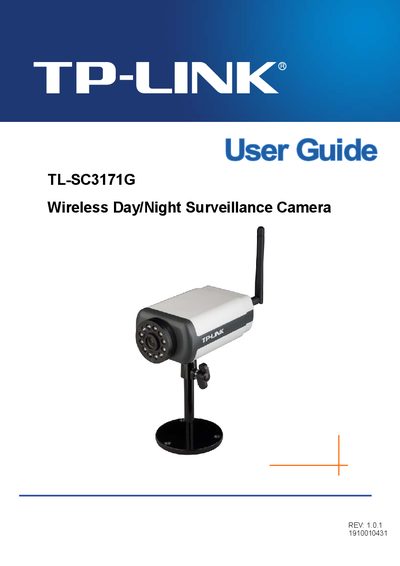
This guide starts with a list of package contents, describing the TL‑SC3171G camera, power adapter, mounting bracket, RJ45 cable, quick installation guide, and resource CD. It then gives a physical overview of the camera, highlighting the front view (focus ring, built‑in microphone) and bottom view (wireless antenna, audio ports, power connector, LED indicator, reset button).
Subsequent chapters cover system requirements, web‑based access via various browsers, mobile viewing on 3G/2.5G phones and iPhone, and detailed configuration of the main menu, basic and advanced settings, network options (PPPoE, DDNS, UPnP, Bonjour), security, FTP, alarm handling, motion detection, and system logs. A final FAQ section answers common troubleshooting questions.
| Minimum CPU | Pentium 4 1600MHz (or equivalent AMD) |
|---|---|
| Minimum RAM | 512 MB |
| Wireless Standard | IEEE 802.11b/g |
| Power Input | 12V DC |
| MPEG4 Bitrate (640×480, 30 fps) | 2.0 Mbps |
Make sure you are using a browser that supports ActiveX (Internet Explorer) or JavaScript (Firefox, Safari) and install the required plugins.
Adjust the camera’s focus by rotating the lens focus adjustment ring.