
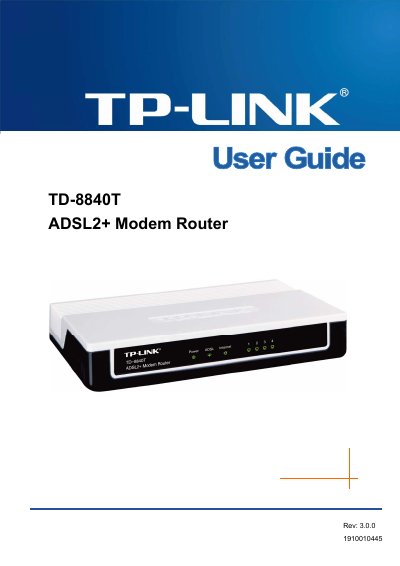
The TP-Link TD-8840T is an ADSL2+ Modem Router designed to provide an ADSL Internet connection for a private Ethernet network. It connects to an Ethernet LAN or computers through standard Ethernet ports and uses an ordinary telephone line for the ADSL connection; network and router management are done through a Web-based Utility.
This User Guide covers package contents, product overview and features, hardware installation, a quick installation guide, and software configuration. It also describes advanced setup options such as Routing, NAT, QoS, VLAN, ADSL, Firewall, Access Management settings, maintenance functions, and Appendix A specifications.
| LAN Ports | 4 10/100M Auto-Negotiation RJ45 ports (Auto MDI/MDIX) |
|---|---|
| WAN Port | 1 RJ11 port |
| Downstream Data Rate | Up to 24Mbps |
| Upstream Data Rate | Up to 3.5Mbps (With Annex M enabled) |
| Max Line Length | 6.5Km |
| LEDs | Power, ADSL, Internet, 1-4 (LAN) |
| Working Humidity | 10% ~ 90% RH (non-condensing) |
| Storage Temperature | -40°C ~ 70°C |
| System Requirement | Internet Explorer 5.0 or later, Netscape Navigator 6.0 or later |
The package includes the TD-8840T router, one power adapter, one Quick Installation Guide, an RJ45 cable, two RJ11 cables, one ADSL splitter, and a Resource CD.
It is accessed through local Ethernet using any web browser.
Yes, it supports remote configuration and management through SNMP and CWMP.
The maximum line length is 6.5Km.