
This document describes the features and characteristics of TP-LINK Technologies Co., Ltd products.
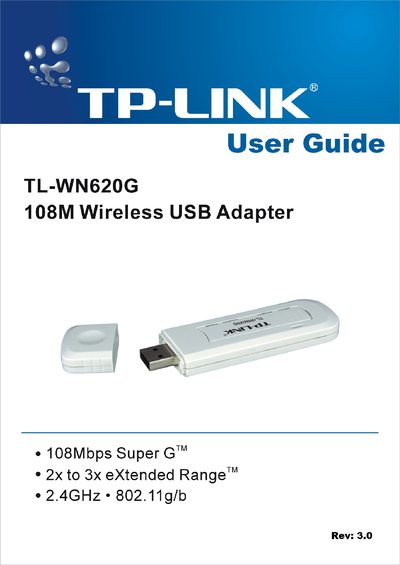
The guide introduces the TL-WN620G 108Mbps Wireless USB Adapter, highlighting its Super G™ and 2x‑to‑3x eXtended Range™ technologies, 2.4 GHz 802.11g/b support, and security features such as WPA/WPA2 and up to 152‑bit WEP encryption. It also describes LED status indicators and the adapter’s ability to operate in both ad‑hoc and infrastructure modes.
Installation instructions cover hardware connection, driver and utility setup for Windows 98SE, ME, 2000, and XP, followed by detailed configuration steps, profile management, and diagnostic tools. Appendices provide full specifications, a glossary of wireless terms, and contact information for support.
| Maximum data rate | 108 Mbps |
|---|---|
| Range technology | 2x to 3x eXtended Range™ |
| Frequency band | 2.4 GHz 802.11g/b |
| Supported security protocols | WPA/WPA2, IEEE802.1x, TKIP/AES, 64/128/152‑bit WEP |
| Supported data rates | 108/54/48/36/24/18/12/9/6 Mbps or 11/5.5/3/2/1 Mbps |
| Frequency range | 2.400‑2.4835 GHz |
| Maximum transmit power | 100 mW EIRP |
The adapter supports up to 108 Mbps data transfer rate.
It supports WPA/WPA2, IEEE802.1x authentication, TKIP/AES encryption, and 64/128/152‑bit WEP.
The adapter operates in the 2.400 GHz to 2.4835 GHz band.